PDF Tips, Tutorials & Updates
Expert guides on working with PDFs, image editing tricks, and the latest from our team.

How to Resize an Image Online Without Losing Quality
Change an image's width, height, or aspect ratio online, free — for social media, forms, or file size limits — without blurring or stretching it.
Read article →📰 Latest Articles
16 posts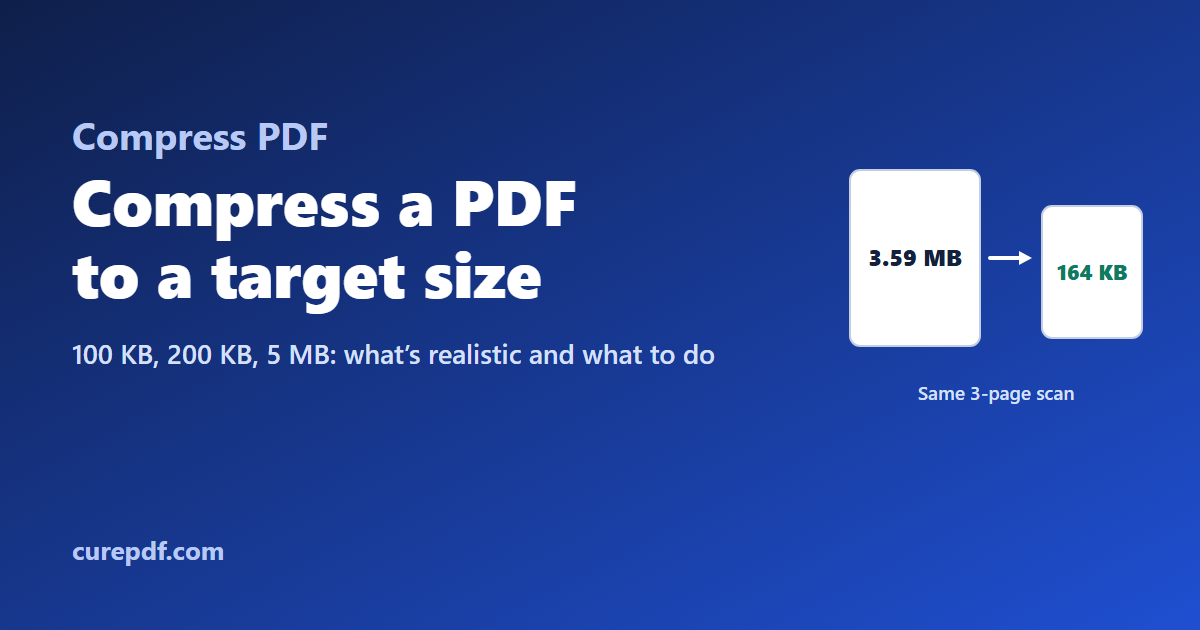
How to Compress a PDF to 100 KB, 200 KB or 5 MB (and What Size Is Realistic)
Upload limits of 100 KB, 200 KB or 5 MB are common, but not every PDF can reach them. See real results from compressing a scanned and a typed PDF, how the custom target size works, and what to do when a file still won’t fit.
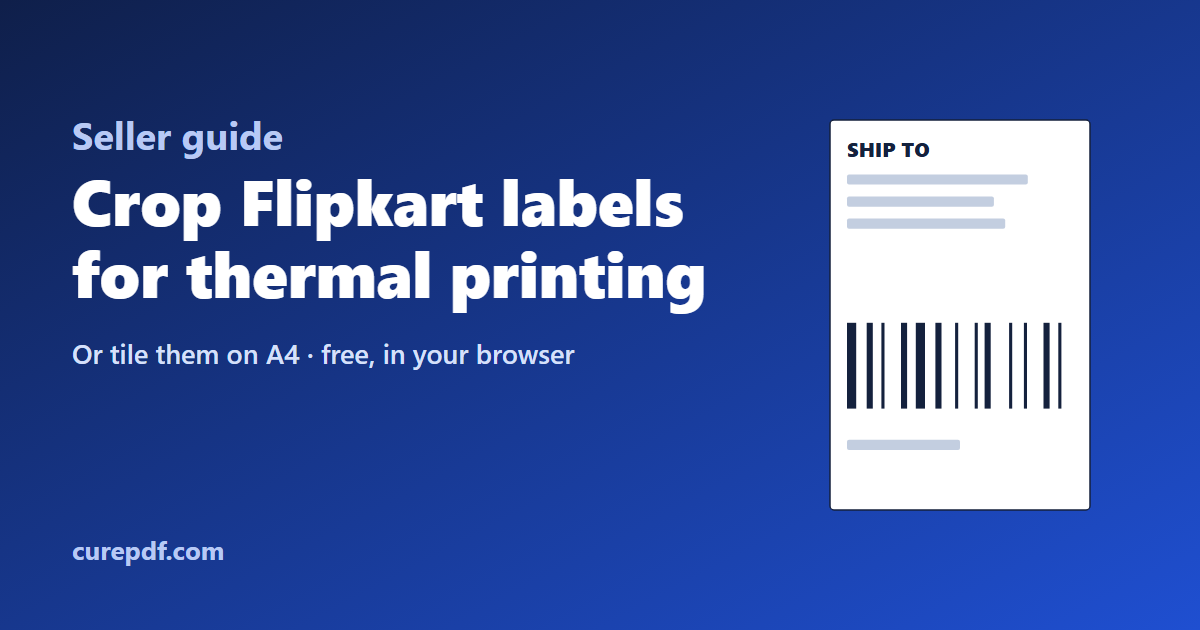
How to Crop Flipkart Shipping Labels for a Thermal Printer or A4 Sheets
Crop every label in a Flipkart labels PDF in one go, then print them on a thermal label printer or several to an A4 sheet. Covers the crop, A4 layouts with real printed sizes, thermal print settings, and keeping barcodes sharp.
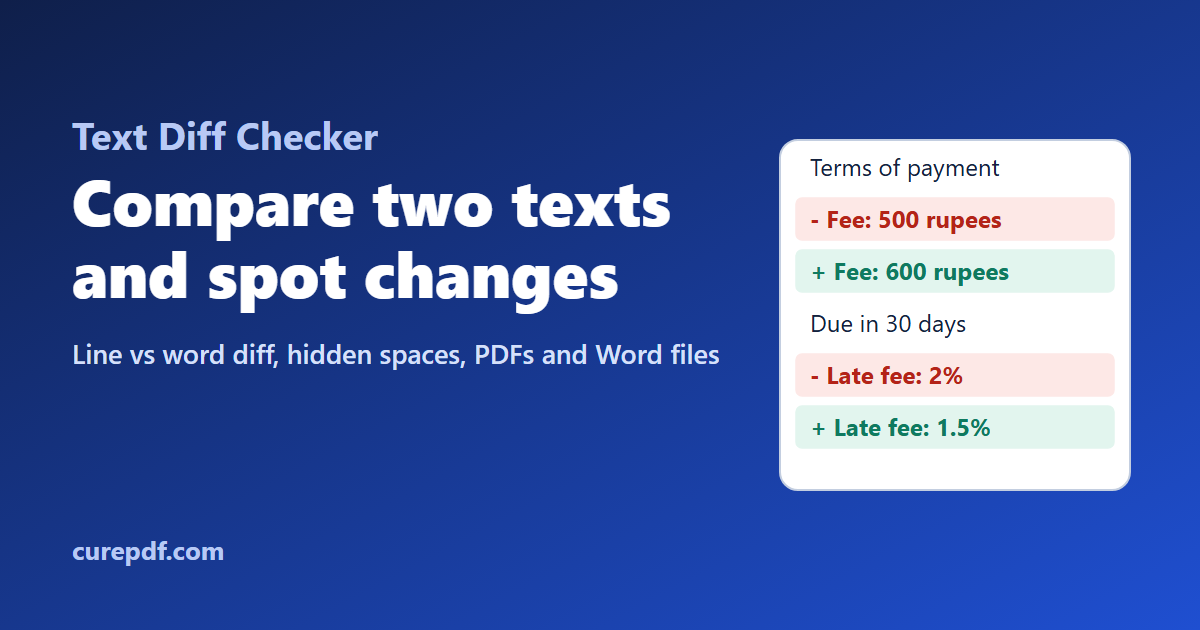
How to Compare Two Texts and See Exactly What Changed
Find every change between two versions of a contract, essay or config file. Learn when to compare by line or by word, why identical-looking lines show as changed, and how to compare the text of PDF and Word documents.
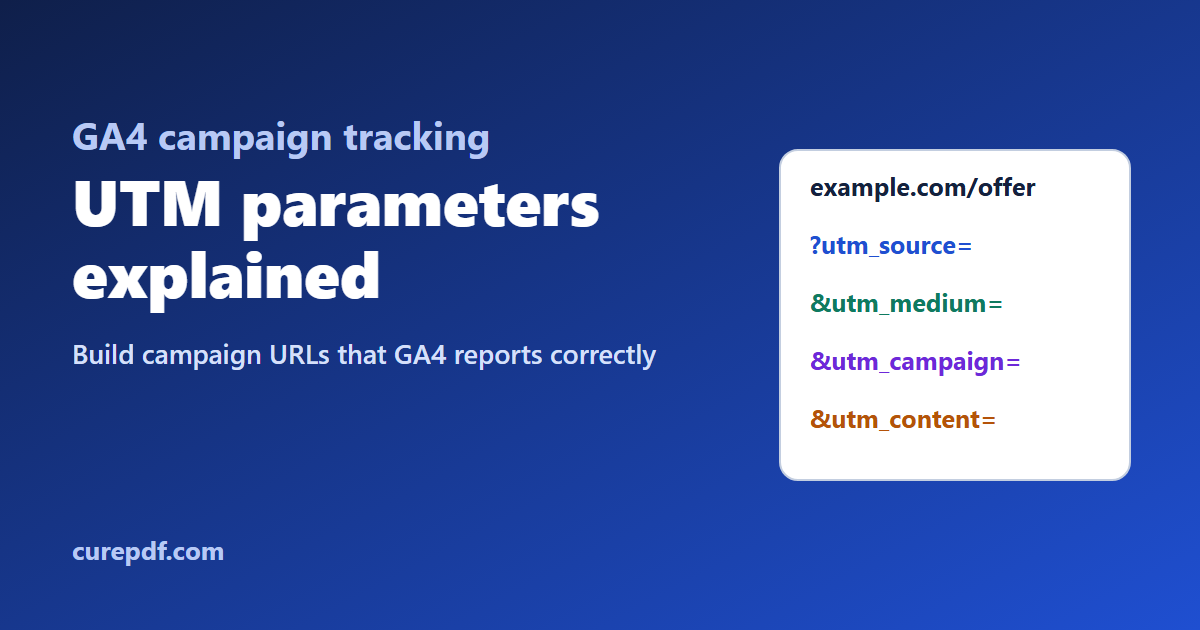
UTM Parameters Explained: How to Build Campaign URLs GA4 Tracks Correctly
UTM parameters tell Google Analytics where each visit came from. Learn what utm_source, utm_medium and utm_campaign mean, why inconsistent capitals split your GA4 reports, which mediums land in Unassigned, and how to build and check campaign URLs.
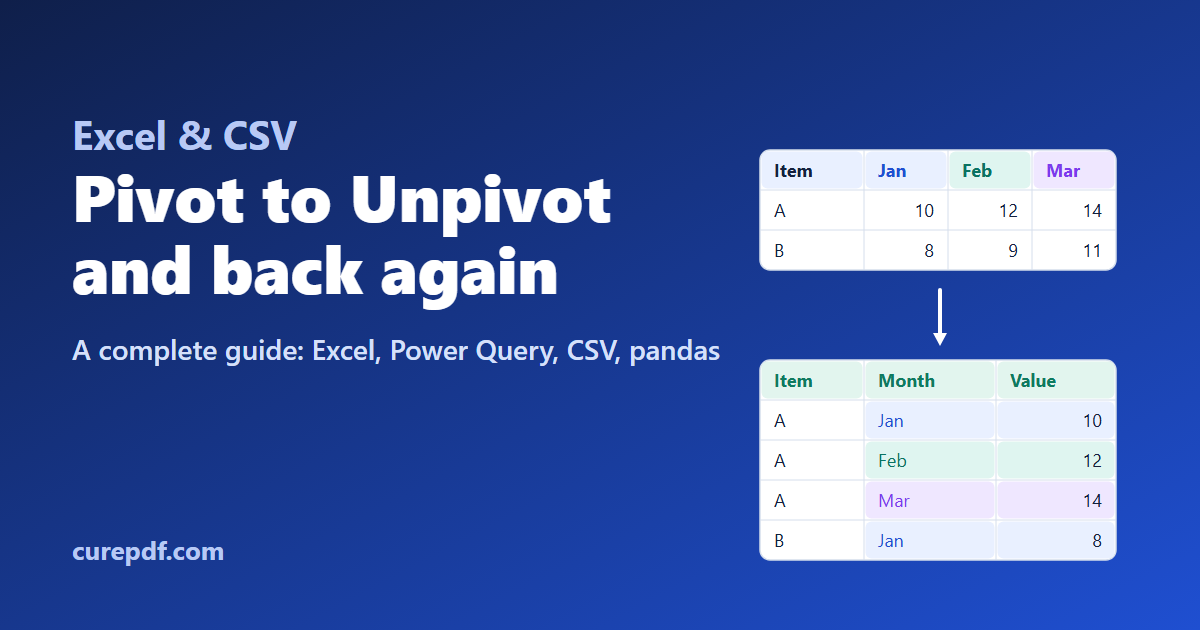
Excel Pivot to Unpivot and Unpivot to Pivot: A Complete Guide
Wide tables are easy to read but hard to analyze. Learn how to unpivot Excel and CSV data into rows with Power Query, pivot it back into a summary, do the same in pandas with melt() and pivot(), and avoid the duplicates, blanks, and date problems that break the conversion.

How to Convert a PDF to an Excel Spreadsheet
Extract tables from a text-based PDF into a real .xlsx file — all tables on one sheet, with numbers, currency, and dates preserved. No OCR, no scanned PDFs.

How to Merge PDF Files for Free (No Signup)
Combine multiple PDFs into one file in seconds—no software, signup, or watermark. Learn the fastest way to merge PDFs online for free.

How to Split a PDF Into Separate Files Online
Extract specific pages or split a large PDF into smaller files in your browser. No installs required—just upload, select pages, and download.

How to Reorder, Rotate & Delete PDF Pages Online
Rearrange, rotate, or remove pages from any PDF with a simple drag-and-drop editor—no design skills or software installation needed.

How to Compress a PDF Without Losing Quality
Shrink a large PDF down to a smaller file size for email or upload limits—without blurry text or degraded images. Free and fast.

How to Password Protect a PDF File for Free
Add a password to any PDF in seconds so only people you trust can open it. No account needed, no software to install.

How to Add a Watermark to a PDF Online
Stamp a custom text watermark across every page of a PDF to protect your work or mark drafts—free, fast, and done in your browser.

How to Convert PDF Pages to JPG Images
Turn every page of a PDF into a high-quality JPG image, ready to share, print, or drop into a presentation. No signup required.

How to Convert a PDF to an Editable Word Doc
Turn a PDF into a fully editable Word document while keeping the original formatting intact—perfect for reports, forms, and resumes.

How to Convert a Word Document to PDF
Convert a Word (.docx) file into a polished, ready-to-share PDF that looks the same on every device. Fast, free, no signup needed.

How to Convert JPG Images to a PDF File
Combine one or more JPG photos into a single PDF file—great for scanned documents, receipts, or photo sets you need to send as one.